Speaker Cleaner - Water Eject
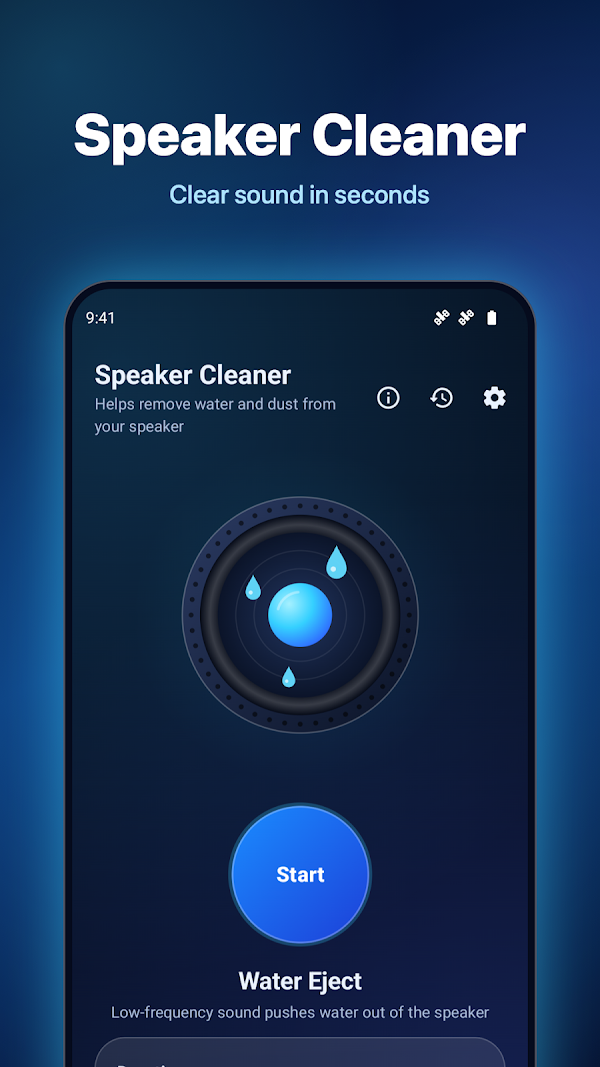
Speaker Cleaner helps remove water and dust from your phone speaker with precise sound waves.

Screenshots
About this app
Speaker Cleaner helps remove water and dust from your phone speaker with precise sound waves. Dropped your phone in water, got caught in the rain or took it to the beach? If the sound is muffled, start Water Eject and let the tones push the water out of the speaker.
HOW THE SPEAKER CLEANER WORKS
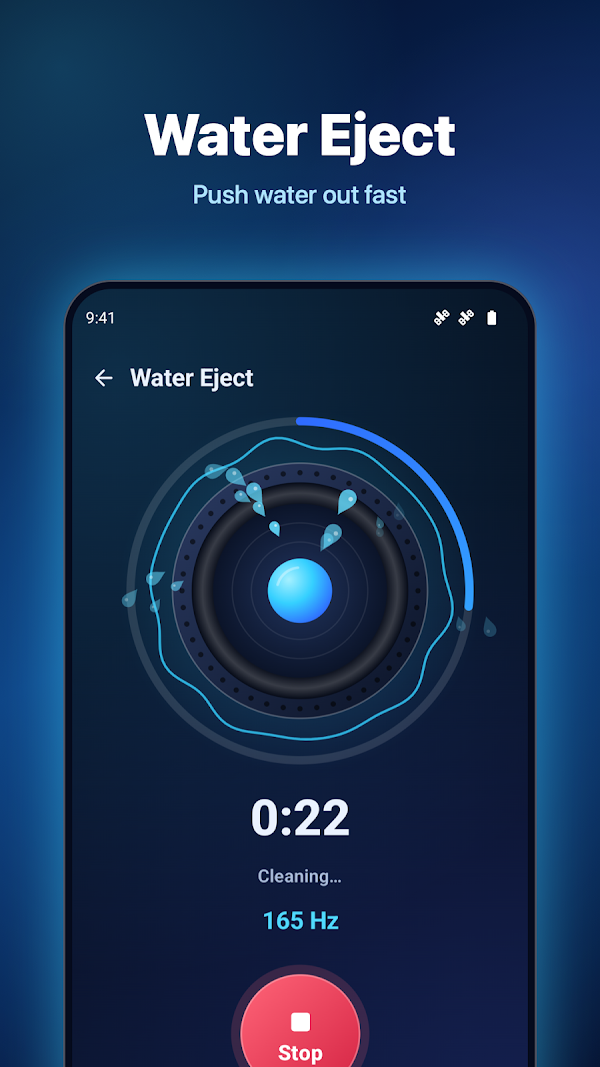
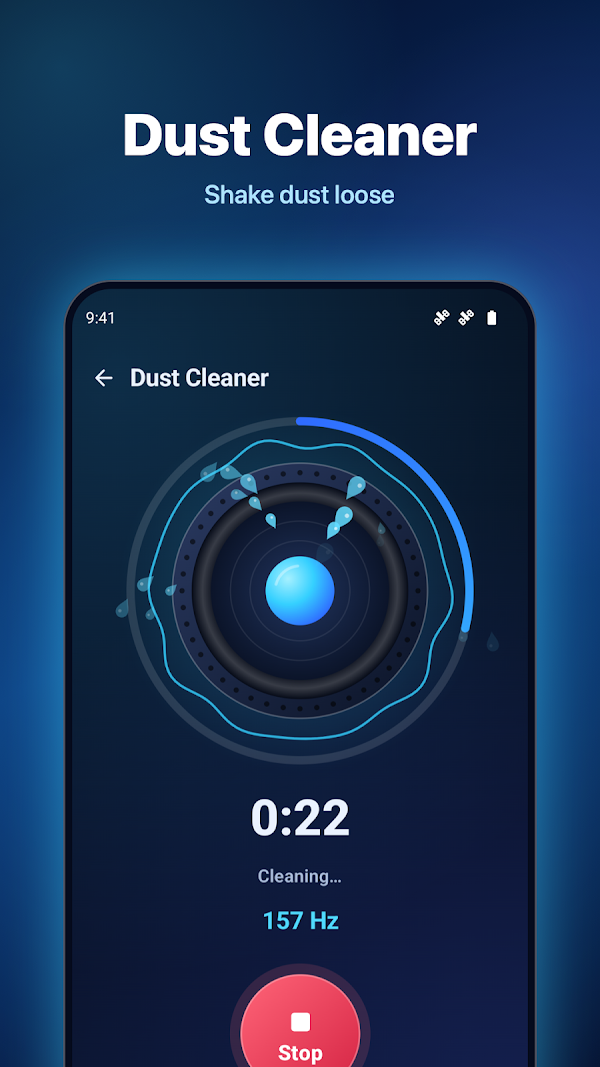
The app plays a 165 Hz tone followed by low-frequency sweeps. These tones make the speaker move strongly, and that movement helps eject water drops and shake dust loose from the speaker grille. Place the phone with the speaker facing down, press Start and watch the droplets fly.
CLEANING MODES
- Water Eject – the main mode to remove water from the phone speaker after a splash, a shower or a swim.
- Dust Cleaner – sweeping tones from 100 to 1000 Hz with pulses to clean speaker dust and lint.
- Earpiece Cleaner – sends the sound to the small earpiece speaker used for calls.
- Vibration Clean – combines sound and vibration for stubborn drops.
- Normal or Strong intensity, with 30 seconds, 60 seconds or 2 minutes of cleaning.
MORE SOUND TOOLS
- Tone Generator – any frequency from 1 to 20,000 Hz with a dial and a slider; sine, square, triangle and sawtooth waves, plus presets.
- Speaker Test – left and right stereo test, bass test and a full frequency sweep to check your speaker after cleaning.
- Hearing Test – a rising tone shows how high you can hear; share your result with friends.
MADE TO BE SIMPLE
- One big Start button and a live animation of the cleaning cycle.
- Progress ring, timer and automatic stop.
- Keeps playing in the background with a Stop button in the notification.
- Quick Settings tile, home screen widget and app shortcuts for one-tap Water Eject.
- History of your cleanings with date, mode and duration.
- Dark and light themes, haptic feedback and 31 languages.
SAFE FOR YOU AND YOUR SPEAKER
- Cleaning tones never play into headphones or Bluetooth earbuds; the app asks you to disconnect them first.
- Every tone fades in and out, and each session has a time limit to protect the speaker.
- The tone generator warns you about very high frequencies and high volume.
- No microphone, location, contacts or storage permission. The app collects no data.
GOOD TO KNOW
A speaker cleaner helps remove water and dust, but it cannot repair a damaged phone. Dry your phone with a soft cloth, never use heat, and do not charge it while it is wet. If the phone was under water for a long time or still does not work properly, have it checked by a service center.
HOW TO USE
1. Set the volume to maximum, or let the app do it for you.
2. Hold the phone with the speaker facing down.
3. Tap Start and wait for the cycle to finish.
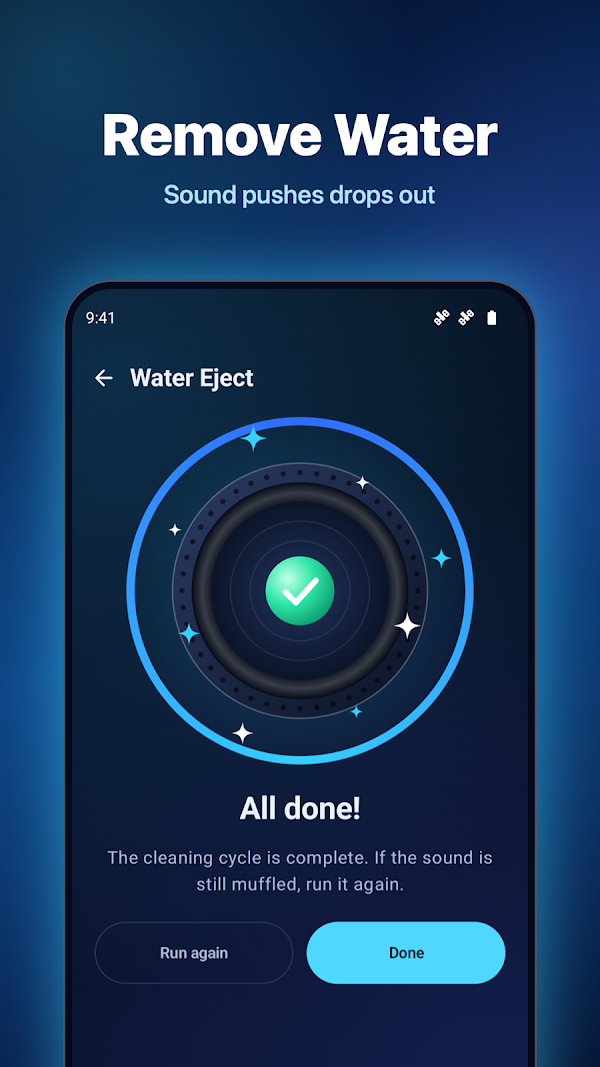
4. Run the speaker test and repeat the cleaning if the sound is still muffled.
Clean your speaker, eject water and enjoy clear sound again with Speaker Cleaner.
- Category
- Utilities
- Price
- Free
- Works on
- Android
- Google Play
- Download
- Updated
- Nov 12, 2026
- Privacy
- Privacy Policy
More apps
World Time - UTC Clock
World Time – UTC Clock is a clean, modern world clock, UTC clock and time zone converter for travelers,…
Today's Date: Day Counter
Today's Date: Day Counter shows today's date, the time and the week number at a glance — with a day counter…

Lux Meter – Light Meter
Lux Meter turns your iPhone into a professional light meter.